Consulting & services
Service Business
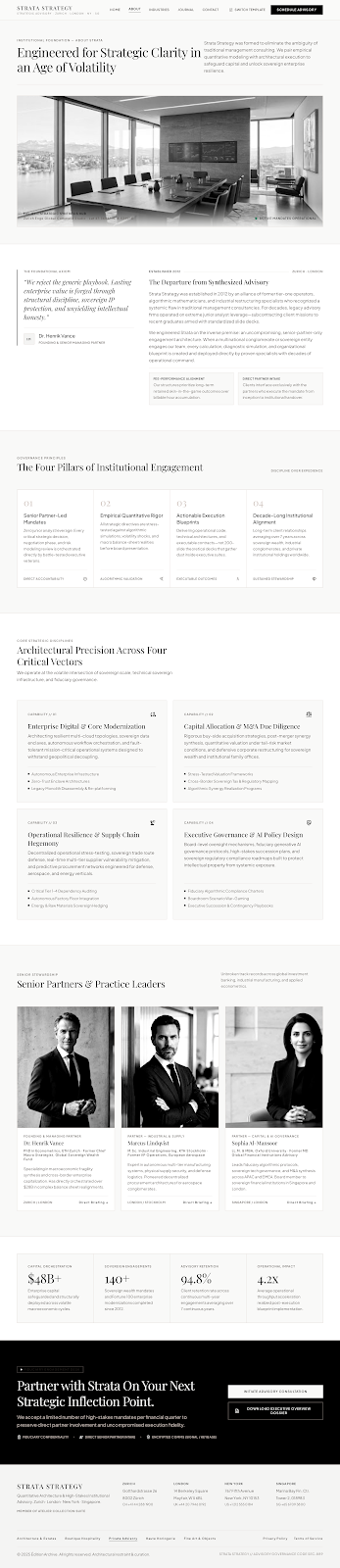
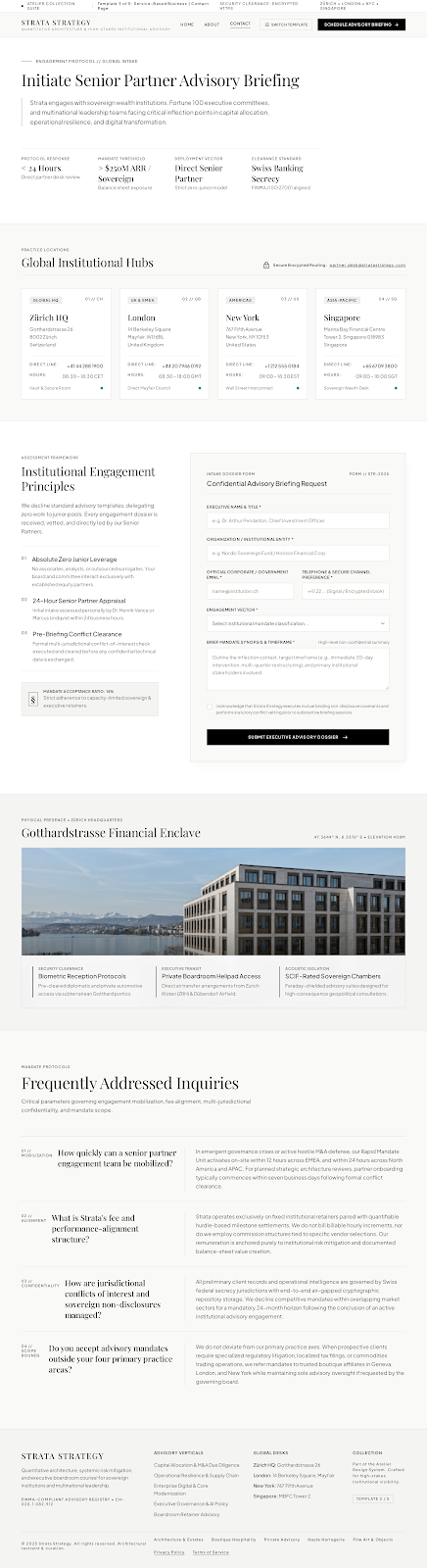
A senior, trust-led design for advisory firms.
ConsultingAdvisoryProfessionalEditorial
Use Service Business For neighbourhood businesses across India
Choose an industry-ready design, shape it with AI and your own photos, then publish to a link you can share everywhere.
No card required No code Publish in minutes
The collection
Choose a design for services, food, creative work, products or property. Each includes matching About and Contact page inspiration.
Consulting & services
A senior, trust-led design for advisory firms.

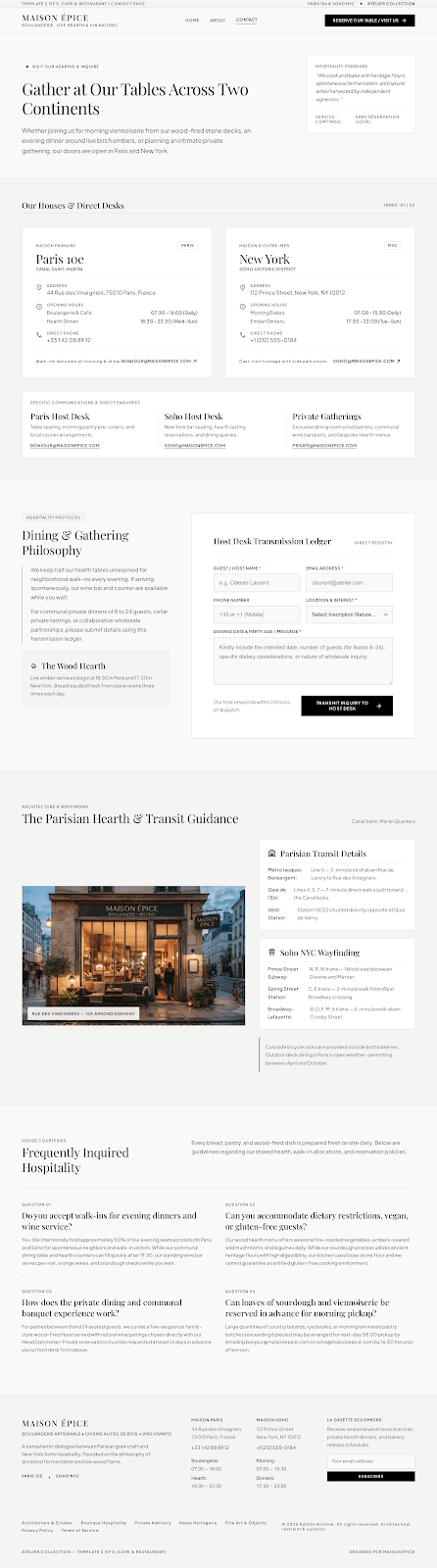
Food & hospitality
A warm, editorial design for bakeries, cafes and restaurants.

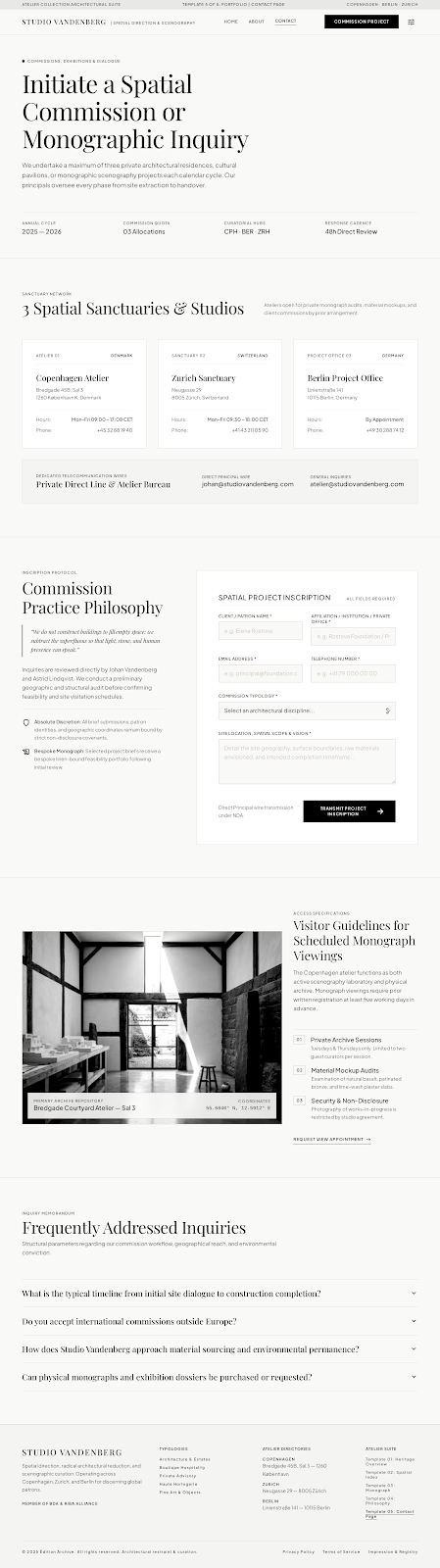
Creative professionals & studios
A quiet, gallery-like design for studios and independent creatives.

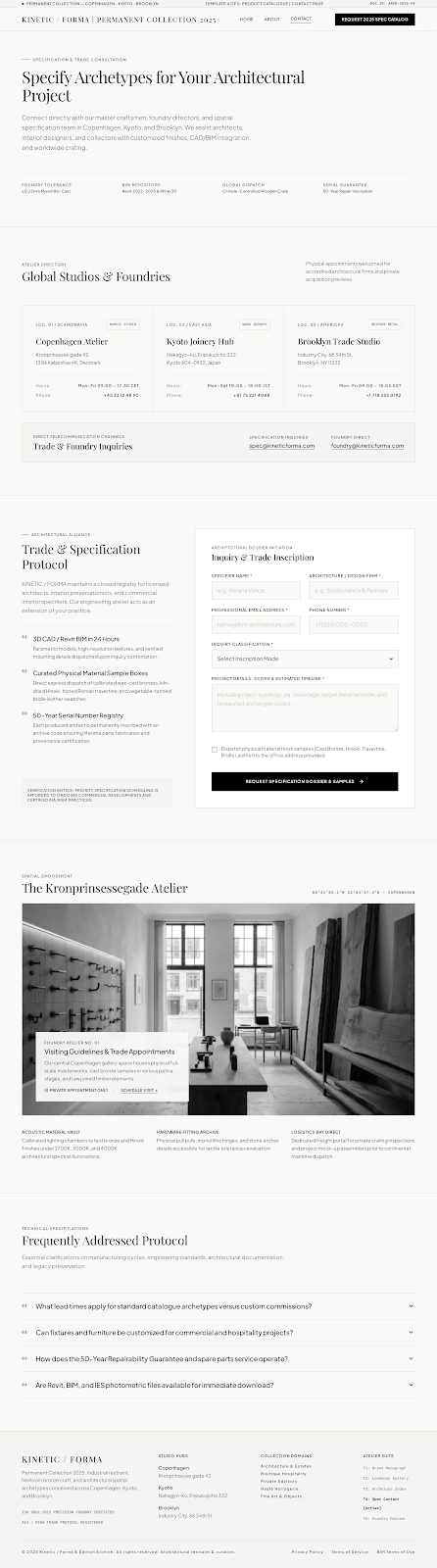
Retail & products
A precise, material-led catalogue for makers and design brands.

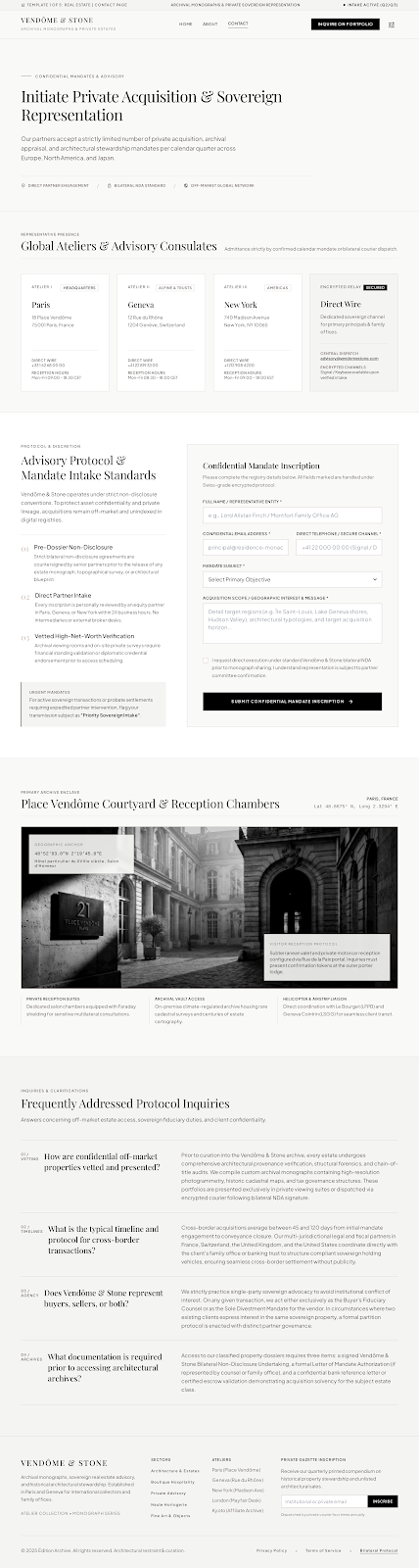
Property & private estates
A discreet, archival design for property advisors and estates.
More page designs
Matching page layouts for the five industry designs. Open any preview to see the full page.
Industry previews include responsive Home, About and Contact page designs. Your selected template starts an editable site that you can personalize in the editor.
What is inside
A focused editor for people who have a business to run. Everything you need to look credible online, nothing you need a manual for.
Five focused designs for service businesses, food, portfolios, products and property. Start with a real direction, then make it yours.
Type on the left, watch the site update on the right. Desktop and mobile previews are built in.
Show, hide, add, remove and reorder eleven approved section types without touching code.
Saving a draft never changes your live site. Publish only when you are happy with it.
Your site lives at /s/your-business. Share it on WhatsApp, Instagram or a QR code.
Every template is responsive by default, because most customers will arrive on a phone.
Approved building blocks
Every block is a typed, reusable React component validated by Zod. Your saved configuration can choose and arrange sections — it can never inject arbitrary code or HTML into the page.
Ask for a change
“Make it feel more premium and add a service called Weekend brunch.”
Validated before it reaches the page
Saving creates a new draft version. Your published snapshot only changes when you press publish.
Once published, your /s/ address is locked so every shared link keeps working.
How it works
01
Choose from five industry designs, then tailor the content and photos to your business.
02
Add your business details, photos and prices. Fine-tune colours and type, or ask the mock AI bar.
03
Get a clean public address. Keep improving the draft for as long as you like — the live site only changes when you say so.
Your shop, online
Start with a template, add your story and publish when it feels right. No code, no card and no strange lock-in.